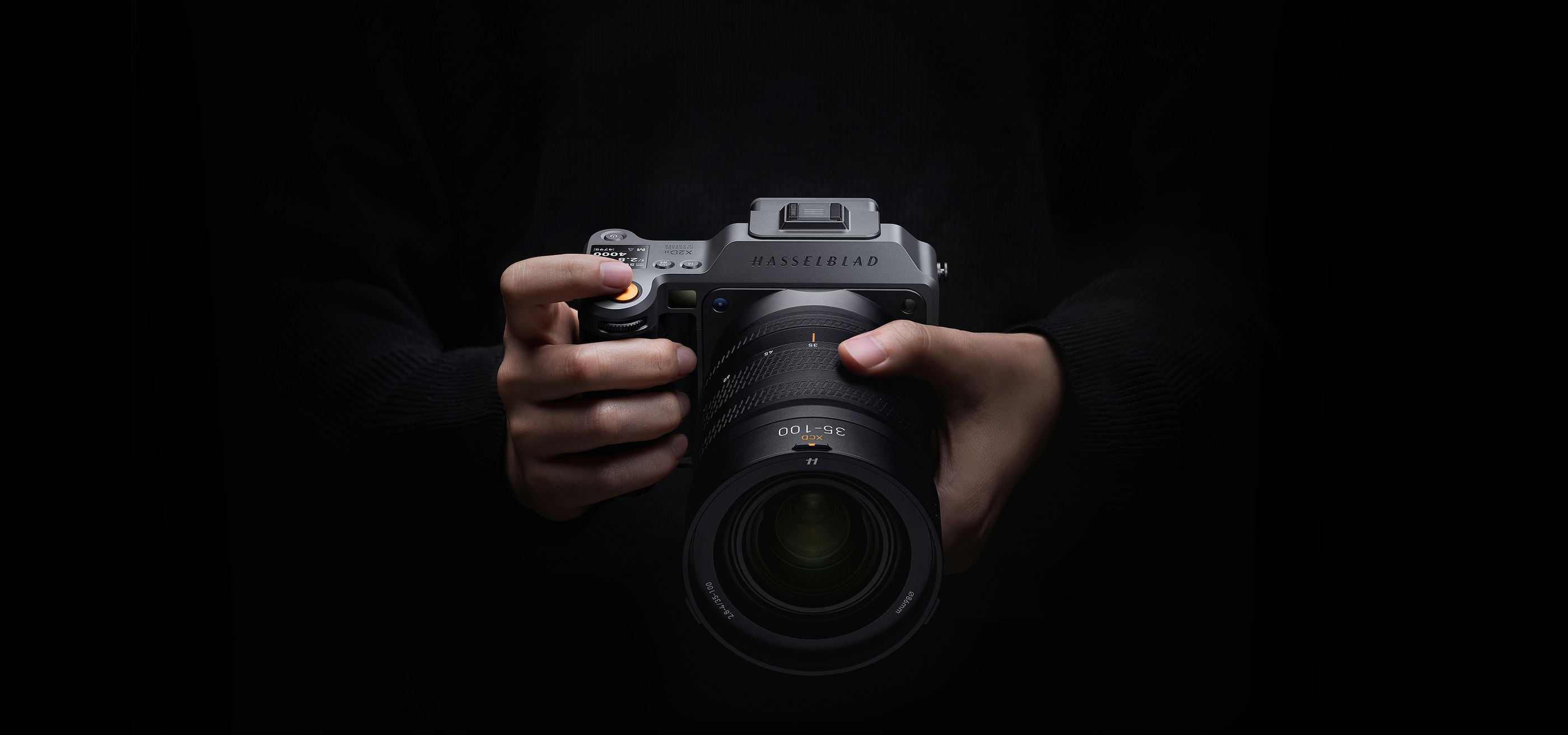
A camera’s specification ends at capture only on paper. In practice, the image must still be selected, stored, edited and seen on a display that can show what the file contains. The Hasselblad X2D II 100C is an opportunity to examine that complete chain, where a large sensor is one part of the system rather than the whole argument.
A body built around the image
Hasselblad introduced the X2D II 100C in 2025. Its official documentation identifies a 100-megapixel medium-format sensor, continuous autofocus, in-body stabilisation and one terabyte of internal SSD storage. This article is an ownership and workflow analysis of the documented camera, not a hands-on review or a claim that it has just launched.
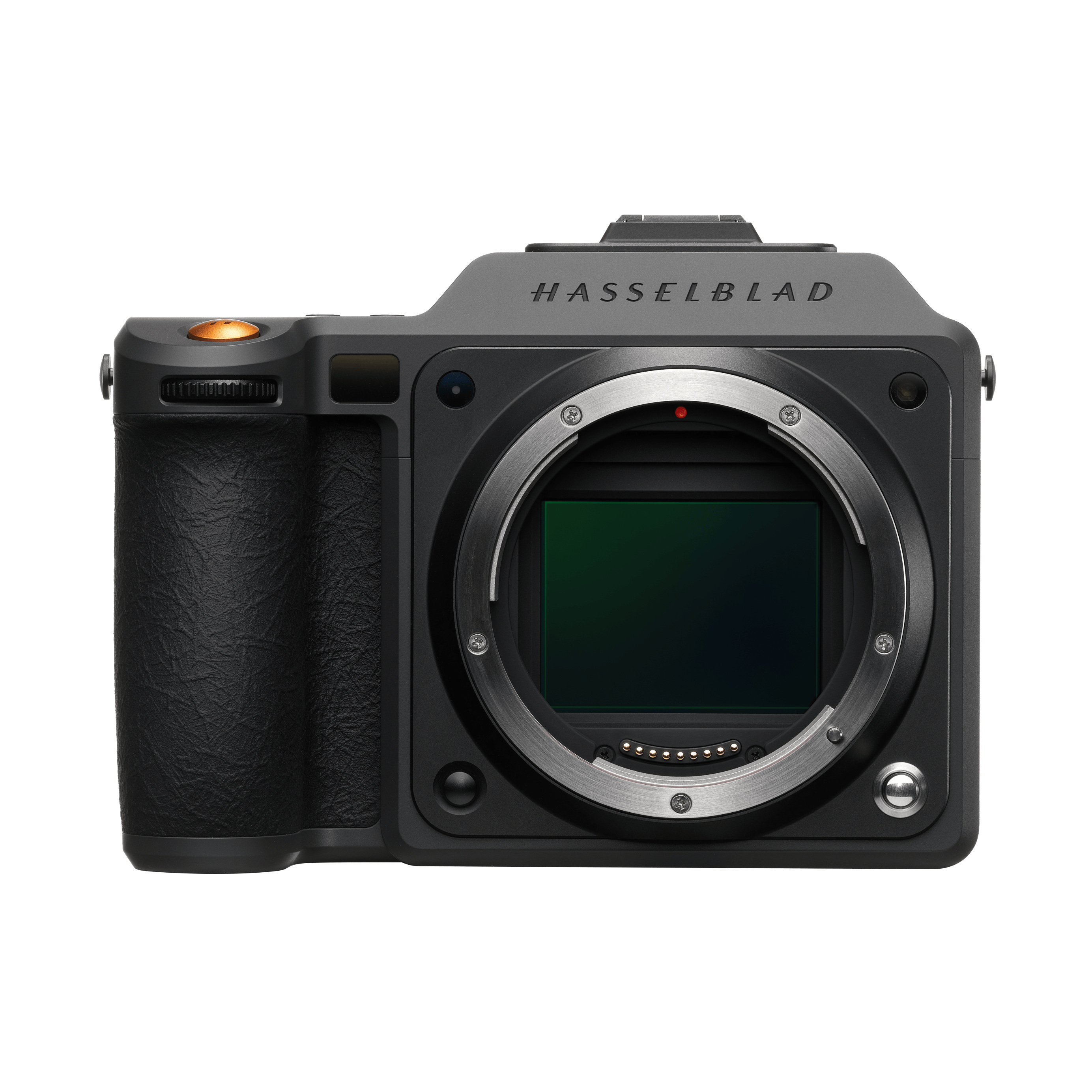
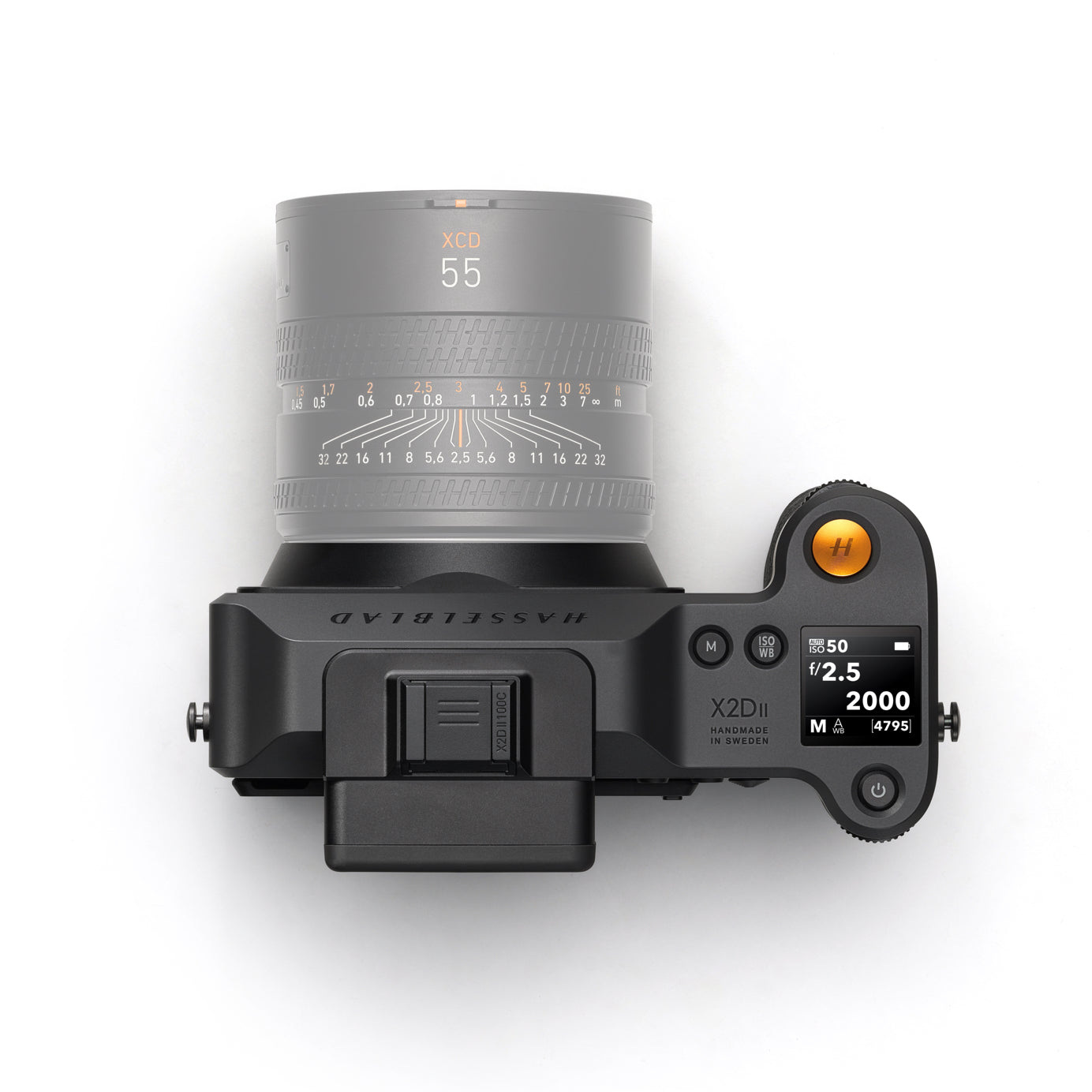
The official product views make the body unusually easy to read. A deep grip establishes one side, while the lens mount and the viewfinder make the front and rear orientation clear. The system is photographed both in use and in isolation, restoring the difference between a substantial working object and an enlarged product image.
That difference matters in a buying discussion. The body, the intended lens and the way the camera is carried should be considered together. A compact-looking studio view cannot establish personal handling comfort, and a large sensor does not determine whether a particular configuration is right for the photographs somebody intends to make.
Resolution is a working decision
A high-resolution file offers room for detail and for considered cropping, but it also becomes part of a larger workflow. The useful question is what the final image needs to do. A carefully produced print, a detailed architectural study and a small screen presentation place different demands on capture, editing and output.
Do not treat the pixel count as a complete account of picture quality. Lens choice, focus, subject movement, exposure and processing remain part of the result. The specification creates a set of possibilities; it does not ensure that every photograph will use them meaningfully.
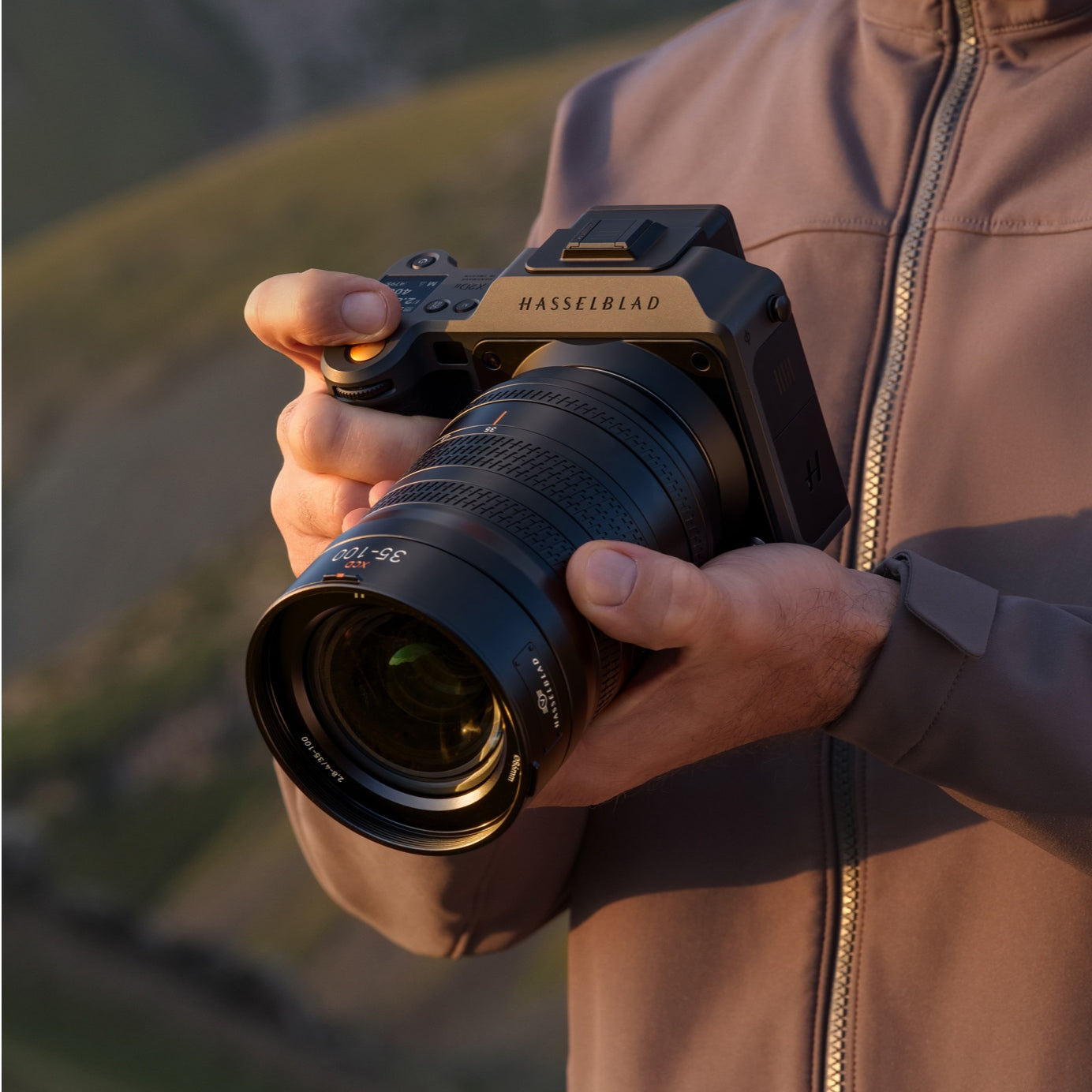
The current manufacturer’s data should govern the technical comparison. Avoid borrowing a feature from the earlier X2D 100C or another member of the X System simply because the model names look similar. The generation suffix is part of the product identity, and a system-level decision deserves that precision.
A screen changes the working posture
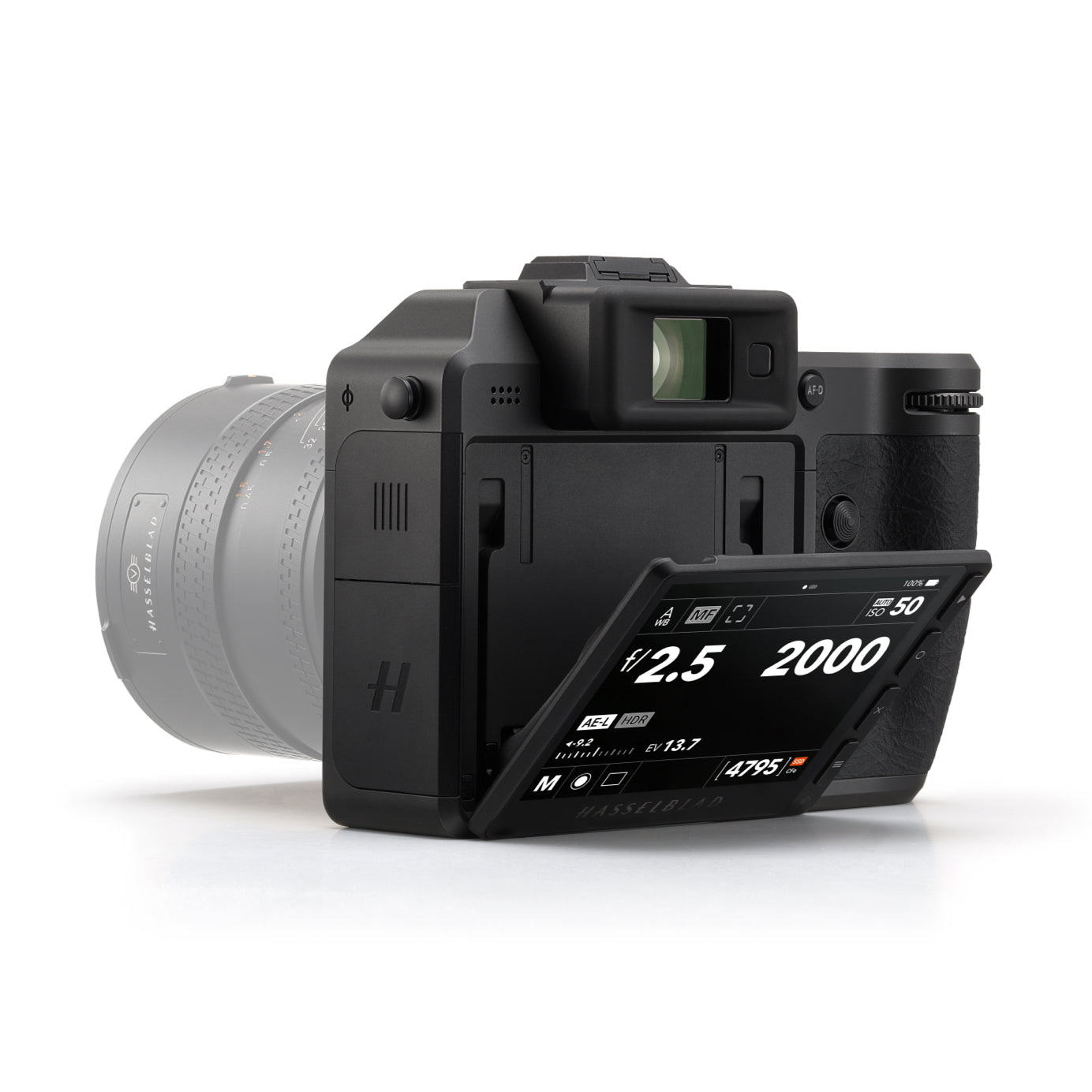
The product photographs show the rear display in different positions. This is a visual explanation of the interface, not proof of how easily it can be read in every light. It does, however, reveal why the screen is worth considering alongside the viewfinder: the two interfaces support different working postures.
For a low viewpoint or a more deliberate composition, looking down towards a display can change the relationship between photographer and subject. For another kind of photograph, the viewfinder may provide the clearer way to isolate the frame. Personal preference should be tested with the actual body and intended lens.
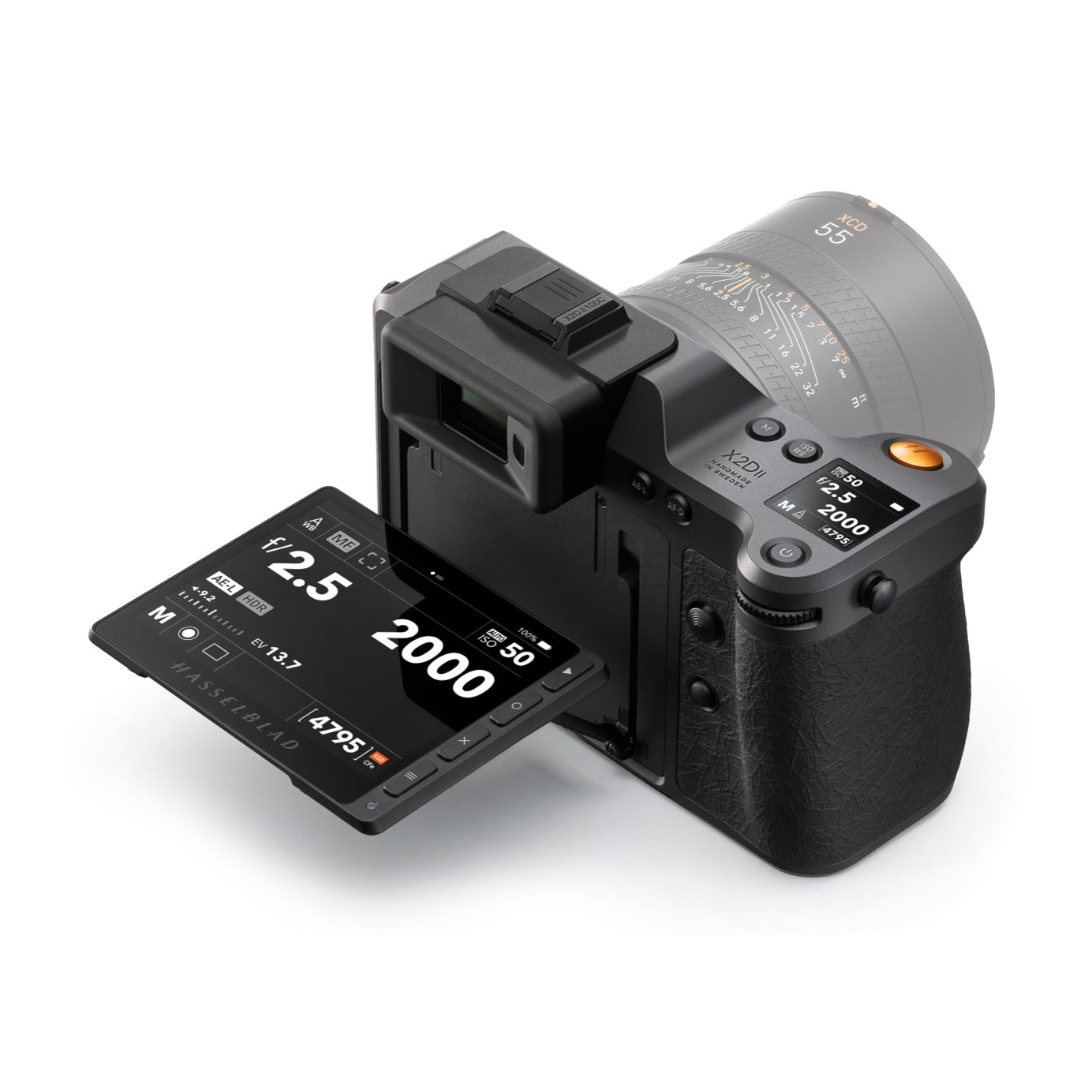
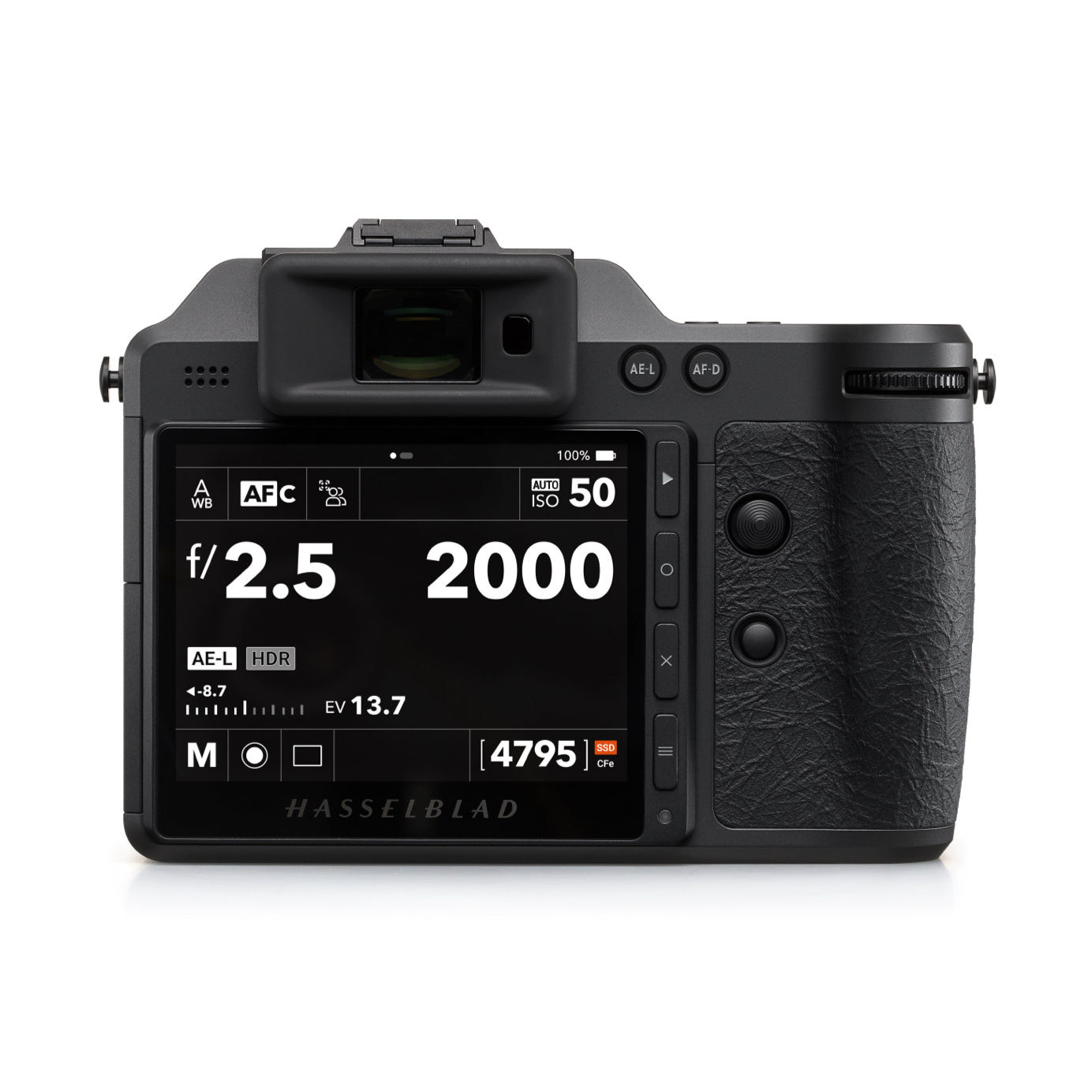
There is a practical ownership benefit in understanding the controls before a significant journey or assignment. A new camera should not have to teach its interface while the subject is disappearing. Make a small, repeatable set of photographs, then follow the files through the intended editing and storage process. That test is more informative than an isolated comparison of specifications.
Stabilisation has conditions
Hasselblad publishes a ten-stop stabilisation rating for the X2D II 100C and explains relevant limitations in its FAQ. The figure is a manufacturer rating under its stated conditions, not a promise of sharp results at every exposure time. Handholding, focal length and subject movement remain important; the FAQ also discusses tripod use and close-up situations.
Keep that distinction visible when planning a shoot. Stabilisation concerns camera movement, while a moving subject may require another exposure decision. The feature expands the working possibilities, but it cannot choose the photograph’s intended rendering or make all sources of blur equivalent.
For ownership, the useful habit is to learn when the feature helps and when another approach is appropriate. The current manual and FAQ are better guides than a general slogan about handheld photography. Firmware and software details should be checked for the exact installed versions when a particular workflow depends on them.
The file needs a destination
The built-in SSD changes where a file can begin its journey, but an internal copy is not a complete backup strategy. Decide how images will be transferred, where an independent copy will live and how selected work will be found later. Those decisions become more valuable as the number of files grows.
Hasselblad’s HDR presentation makes the destination particularly relevant. The FAQ describes conditions and software support for displaying and editing HDR material. A file can carry information that a particular display or export does not reveal. Compare the intended output path, rather than assuming that every viewing environment shows the same result.
A camera-to-output brief
Before comparing the body with another camera, choose a plausible first lens and decide how the complete system will travel. The lens visible in a product photograph explains scale, but it should not be treated as an automatic part of every body purchase. Check the supplied-item record and separate the body, the intended lens and any accessories in the actual order.
A single lens can be a useful discipline when learning the camera. It removes one variable from the early work, making it easier to see how framing, focus and exposure relate to the files produced. A larger kit creates more possibilities, but those possibilities only become useful when each item earns its place in the intended photographs. The camera bag is part of the working brief, not a parallel collecting exercise.
Make the first end-to-end test deliberately ordinary. Photograph something with detail, something in contrasting light and something that asks for a different camera position. Transfer the files, find them again and inspect the intended output. This does not replace a technical test under controlled conditions; it answers the owner’s narrower and often more urgent question of whether the complete workflow is understood.
The test should also include the point where work leaves the photographer’s own devices. An image shared with a client, a family member or a printer meets a different viewing environment. Decide which exported version communicates the intended picture, and retain the original file separately. The value of a demanding capture system is easier to realise when the handover is as deliberate as the exposure.
These are workflow decisions rather than claims that one format is universally superior. They give the sensor, controls and storage a common purpose: preserving a deliberate image through the stages that turn it into something another person can actually use.
| Decision | Question to answer | Evidence to use |
|---|---|---|
| Purpose | What must the final photograph do? | The intended print or display output |
| Configuration | Which lens and handling arrangement suit it? | A fitting with the actual equipment |
| Stabilisation | What movement must be controlled? | Current manual and FAQ conditions |
| Storage | Where will an independent copy be kept? | A tested transfer and backup process |
| HDR | Can the intended software and display show it? | Current compatibility guidance |
| Routine | Can a small shoot be completed end to end? | Real files taken through the planned workflow |
The Luxe Digital view
The X2D II 100C is most interesting when the image is considered beyond the sensor. Its documented capabilities can support a demanding photographic brief, but the owner benefits when handling, storage, software and output are chosen with equal care. The complete system is the route from a deliberate frame to a photograph that can be found and seen properly.
The X2D II 100C is most interesting when the image is considered beyond the sensor.
Sources & credits
Sources and methodology
Independent editorial analysis of the documented product and official source imagery, checked on 14 October 2026. Visual interpretation is distinguished from manufacturer specifications. No handling, driving or acoustic test is implied; exact references and archival dates are retained.
- Hasselblad — source 1: Current exact-generation model and official camera imagery.
- Hasselblad — source 2: Stabilisation limitations, HDR/software compatibility and practical conditions.
- Hasselblad — source 3: 2025 introduction, 100MP sensor, AF-C and 1TB internal storage.
- Hasselblad — source 4: Official data sheet and manufacturer test qualifications.
- Hasselblad — source 5: Exact-generation body/interface product photographs.